Switch emulation on the Mac is good now. You can play Fire Emblem: Three Houses at 4K at your desk. But the Switch is still the thing you take on the train, and the two don’t talk to each other: saves live in different places and nothing carries over.
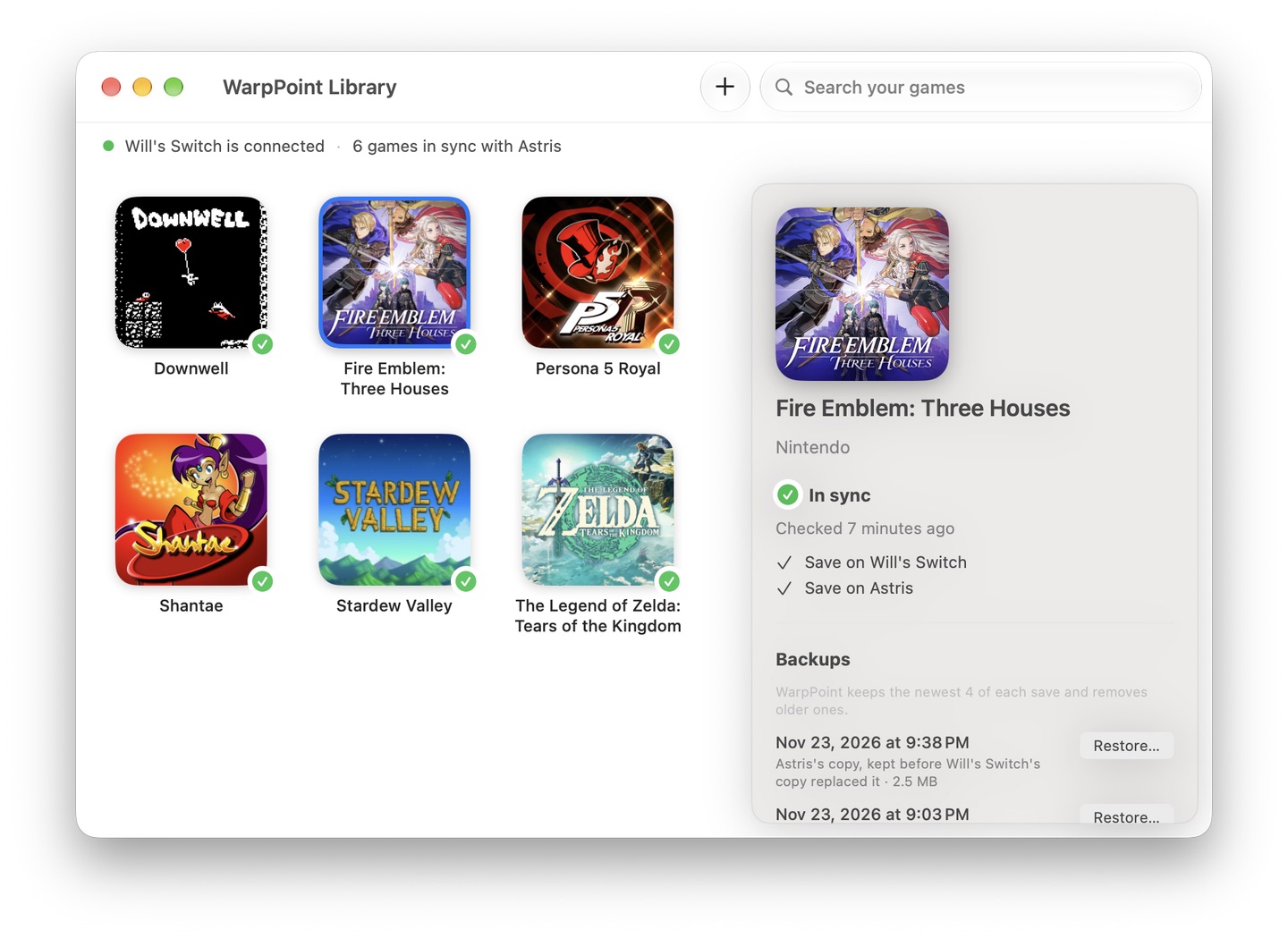
WarpPoint is the link. Install it on both sides once. After that, close a game on the Switch and its save is on the Mac a few seconds later. Then go back the other way.
How it works
There are two halves:
- On the Switch, a small background module (a sysmodule, which runs alongside games on homebrewed consoles) announces itself on your Wi-Fi every couple of seconds and reads and writes saves through the console’s own save service.
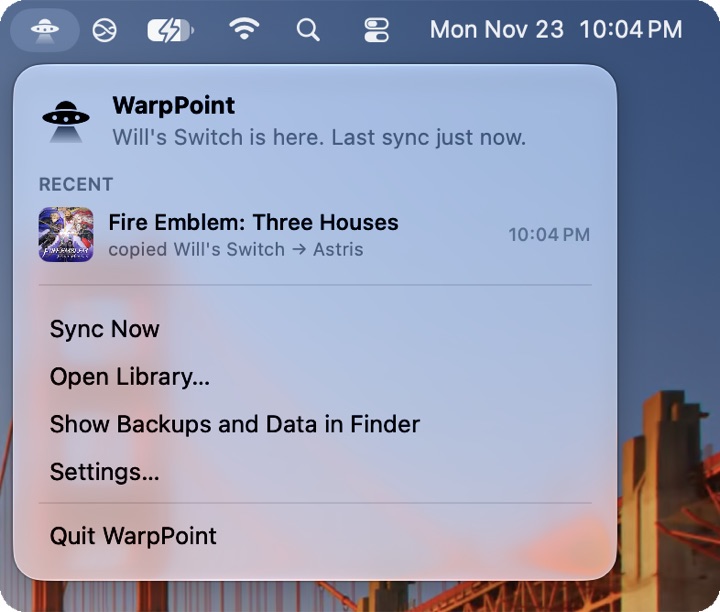
- On the Mac, a menu bar app in Swift sits on a C++ sync engine. It hears the Switch, and syncs whenever it shows up or a game closes there.
Saves are named, not located: both sides call a save game/<title id>/<user id>, and each side looks up where that lives. Deciding which way to copy is one small function. Each side fingerprints the save (a SHA-256 over its files) and compares that to the last version both sides agreed on. If one side changed, copy it. If both changed, ask.
Not eating saves
Sync is the dangerous part, since a bug can eat a save file, so the core stays small and boring:
- Backups first. Nothing gets overwritten until it’s backed up, and the last four of each save can be restored.
- No half-saves. Writes land in a scratch copy and become the real save in one step, so a dropped connection leaves the old save intact.
- Hands off running games. A save is never touched while its game is open, on either side.
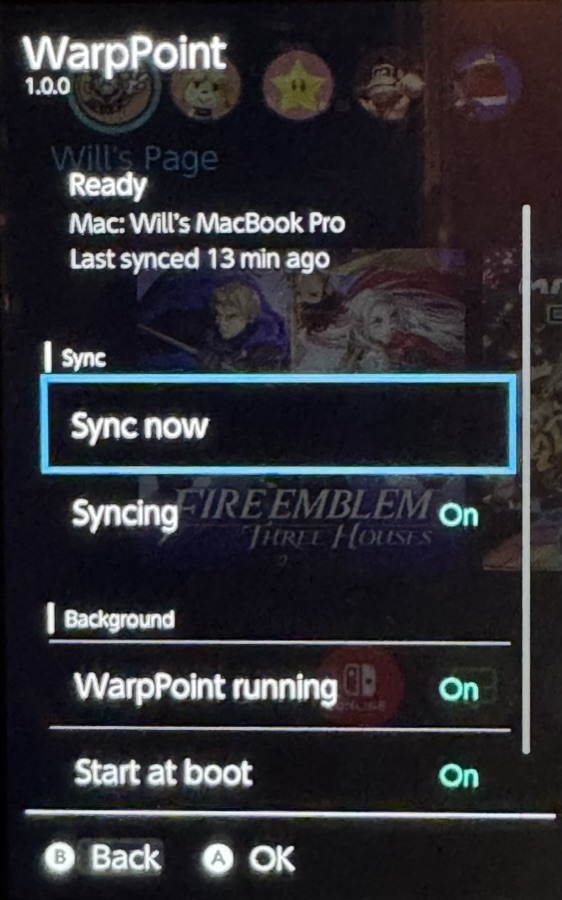
On the Switch, an overlay you can open in any game shows when it last synced, with a sync-now button and a pause switch.
Light enough to forget about
It’s a background app, so it shouldn’t cost you anything while it waits. It only does real work during a sync.
| Mac app | Switch module | |
|---|---|---|
| Memory | about 19 MB | a little over 2 MB |
| CPU while idle | about 0.1% of one core | wakes once a second |
| Download | 1.4 MB | 0.5 MB, plus a 0.3 MB overlay |
What’s next
1.0 is Mac and Ryujinx-family emulators (like Astris) only. The engine treats each emulator and console as a plug-in, so next up are more emulators, Windows and Linux, and creating saves on the Switch for games you’ve only played on the Mac.